A daily reading habit for Mac and Windows

Read 5 pages/10 minutes.
Then get on with your day.

Booksie takes over your computer at the time you choose and hands it back when you've hit your daily goal: 5 to 30 minutes, or a set number of pages.
See how it works
  • Windows
  • Linux Coming soon
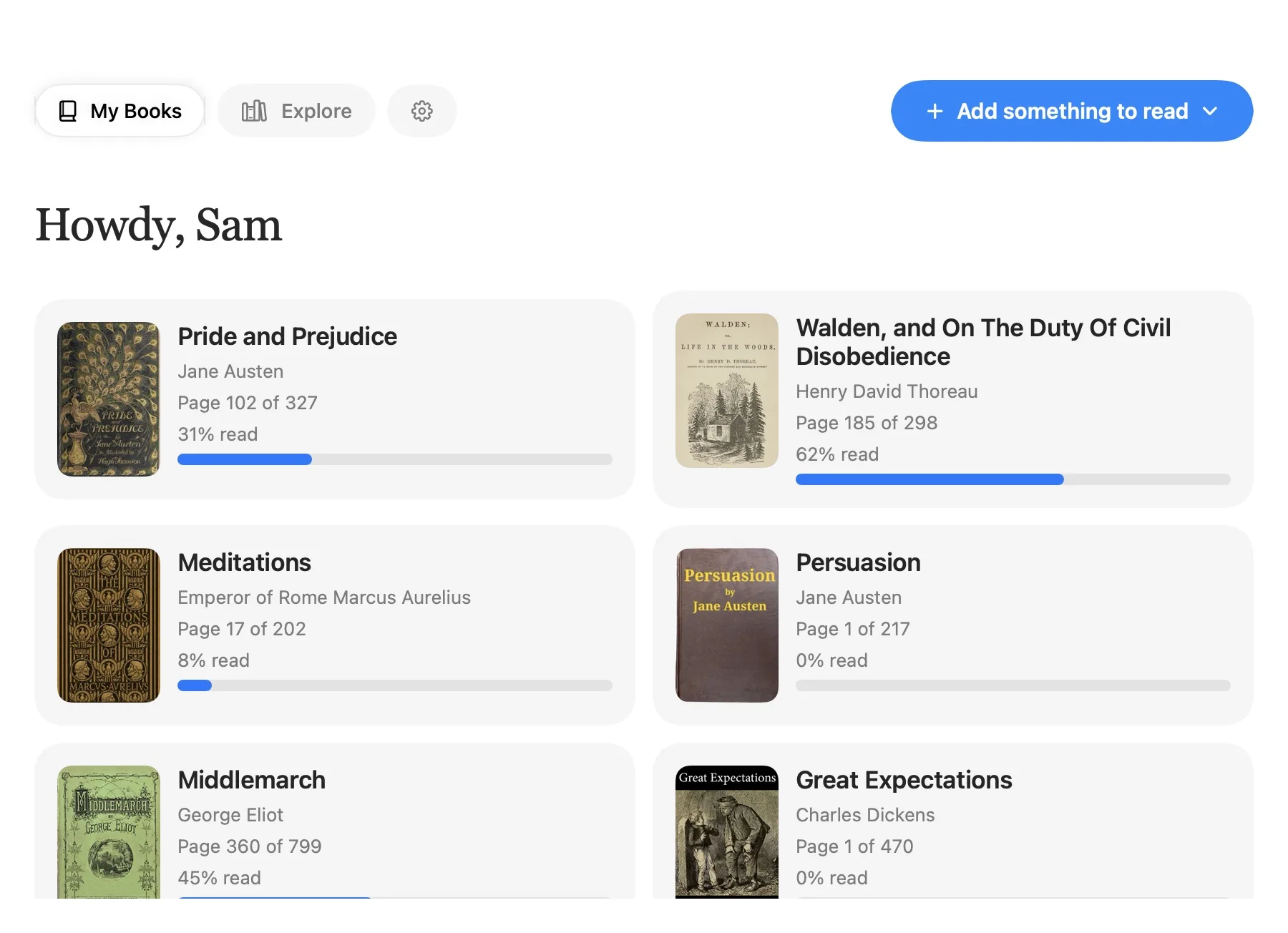
My Books: a grid of books with covers, page counts and progress bars.
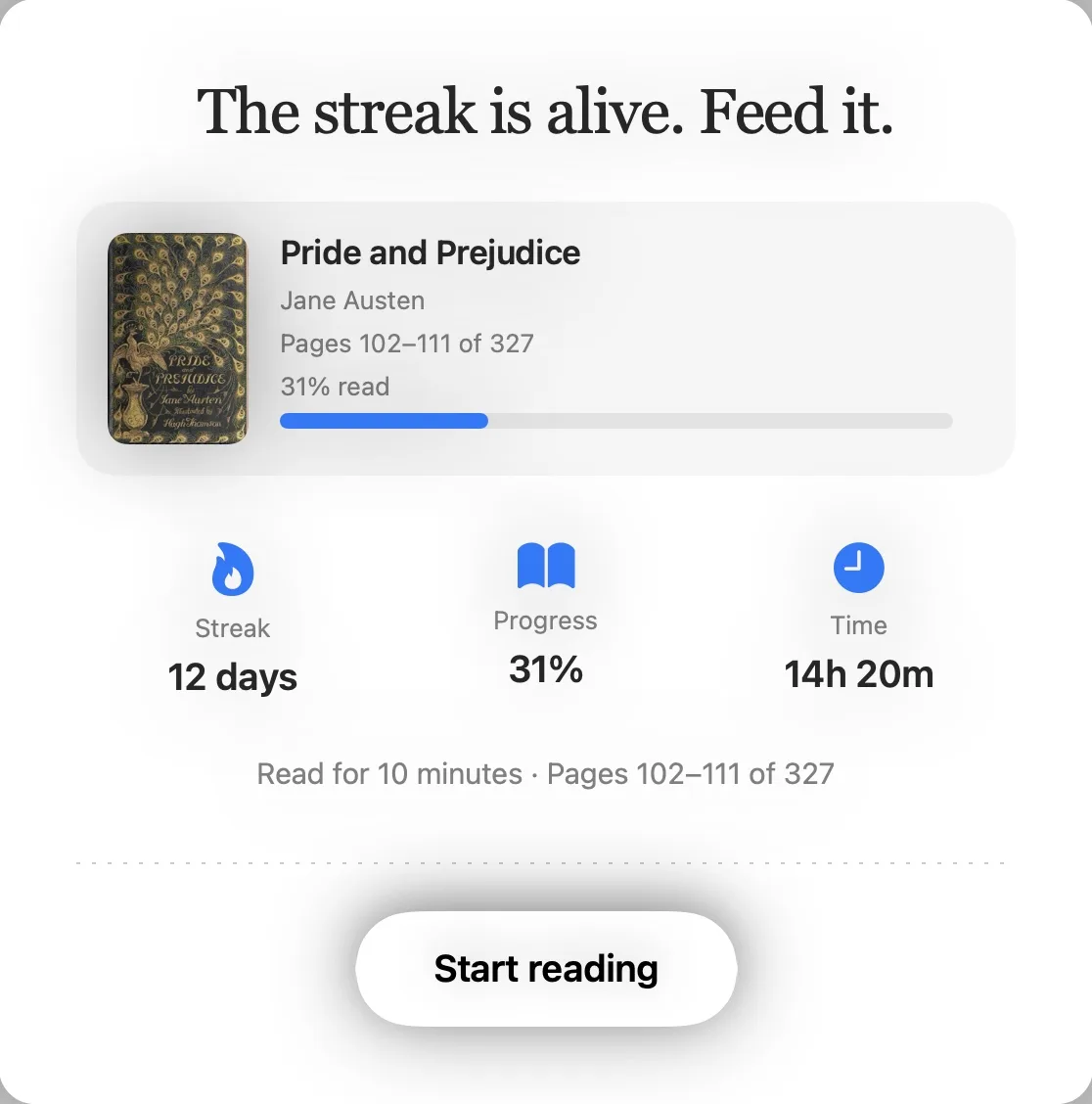
Booksie's session card: a greeting, the book you're reading, and your streak, progress and time, over a Start reading button.

Your library, and the card that shows up at reading time. Both are the real app.

Set a time. Booksie does the rest.

Choose an exact time, or a window. It fires once a day, even after a reboot.

Booksie's Settings screen: reading times, the next session, schedule frequency and the reading goal.

Features

Your library,
on your terms

My Books: a grid of books with covers, page counts and progress bars.

Bring anything: Books, Links

EPUB, PDF, DOCX and article links. Each book keeps its place, and you can see how far along you are.
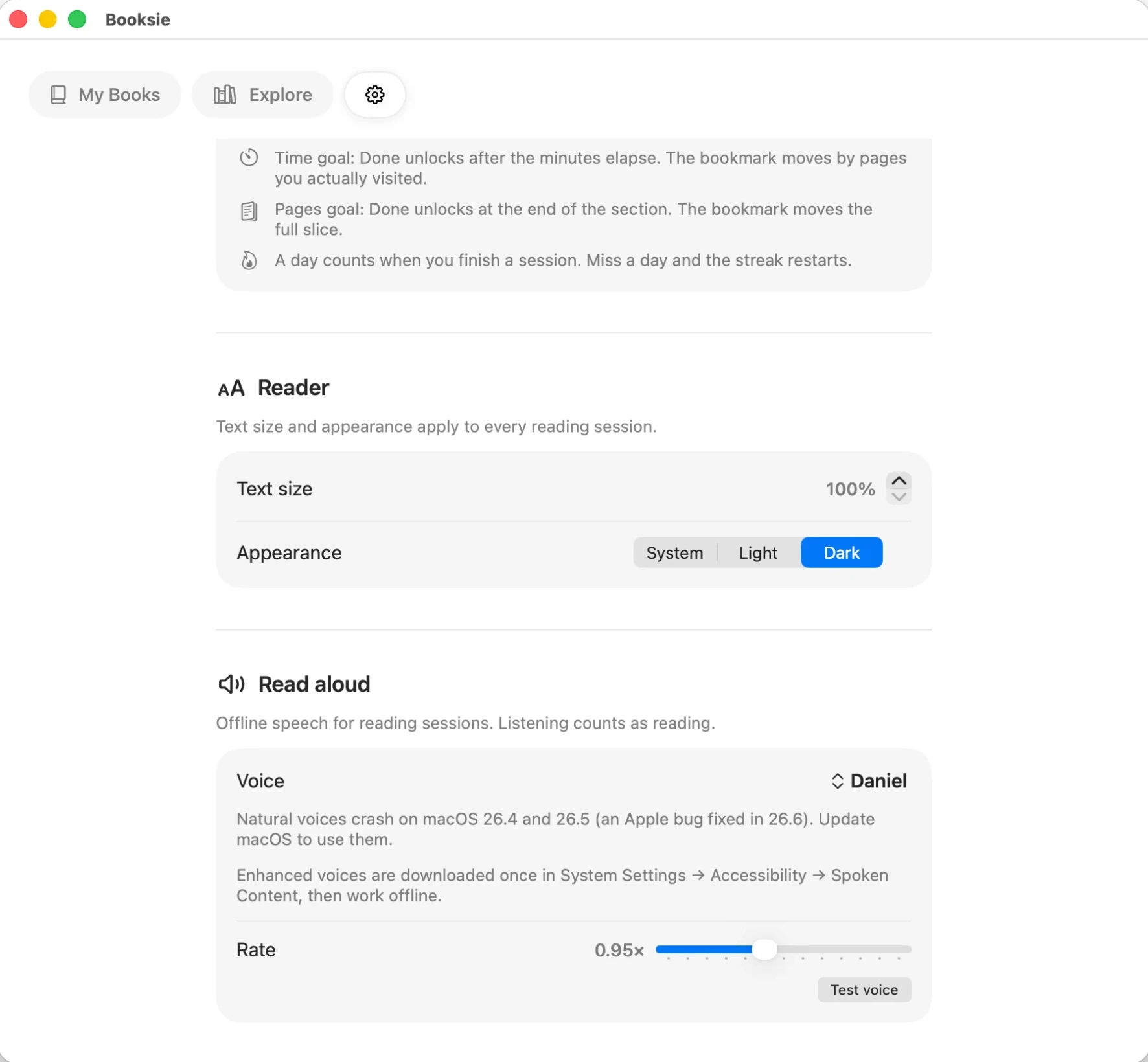
Booksie's Settings screen showing the Reader and Read aloud sections: text size, appearance, voice and speaking rate.

Listening counts

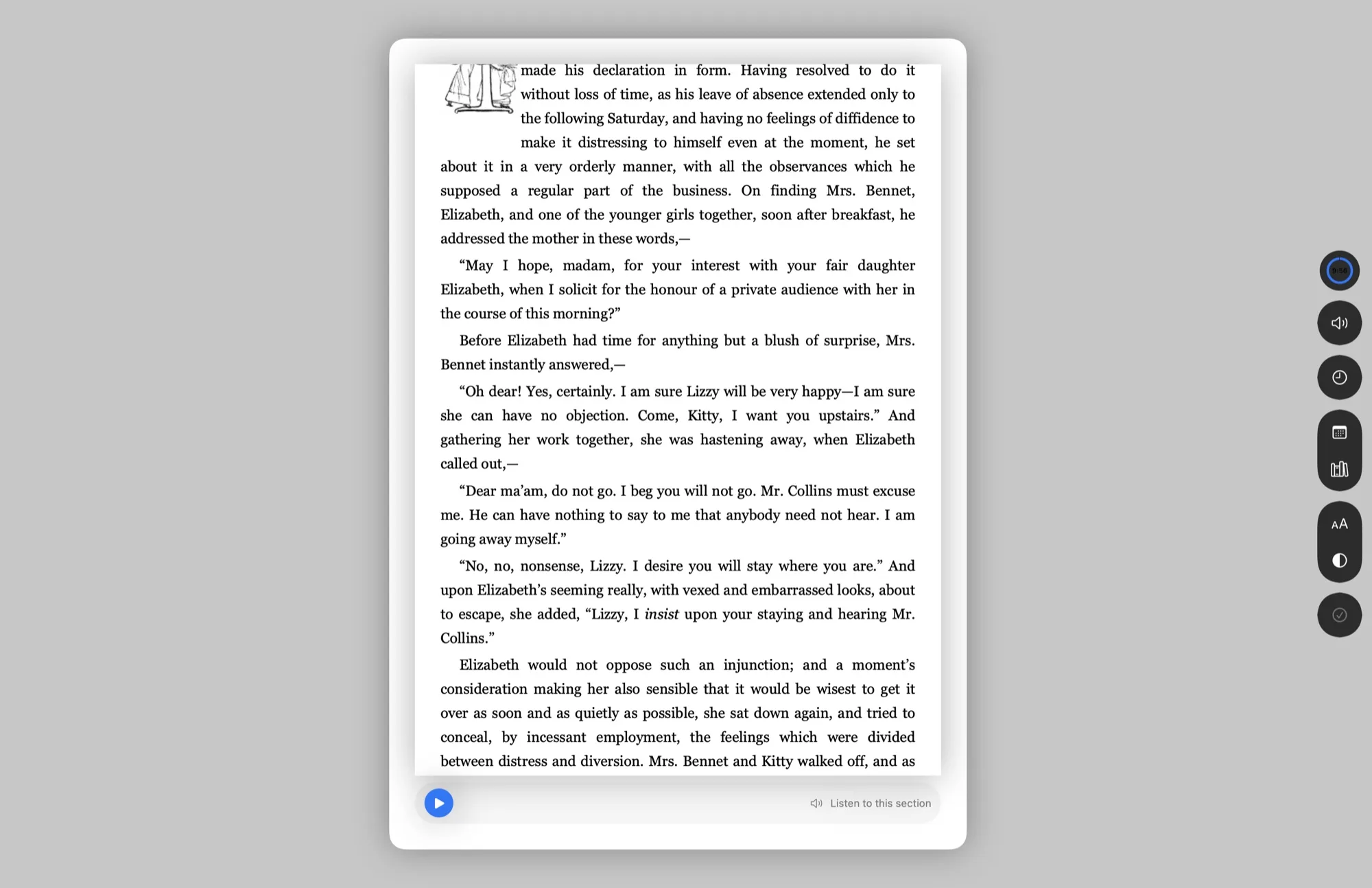
Have Booksie read the section to you, offline, with the voices already on your computer. Finishing by ear finishes the session.
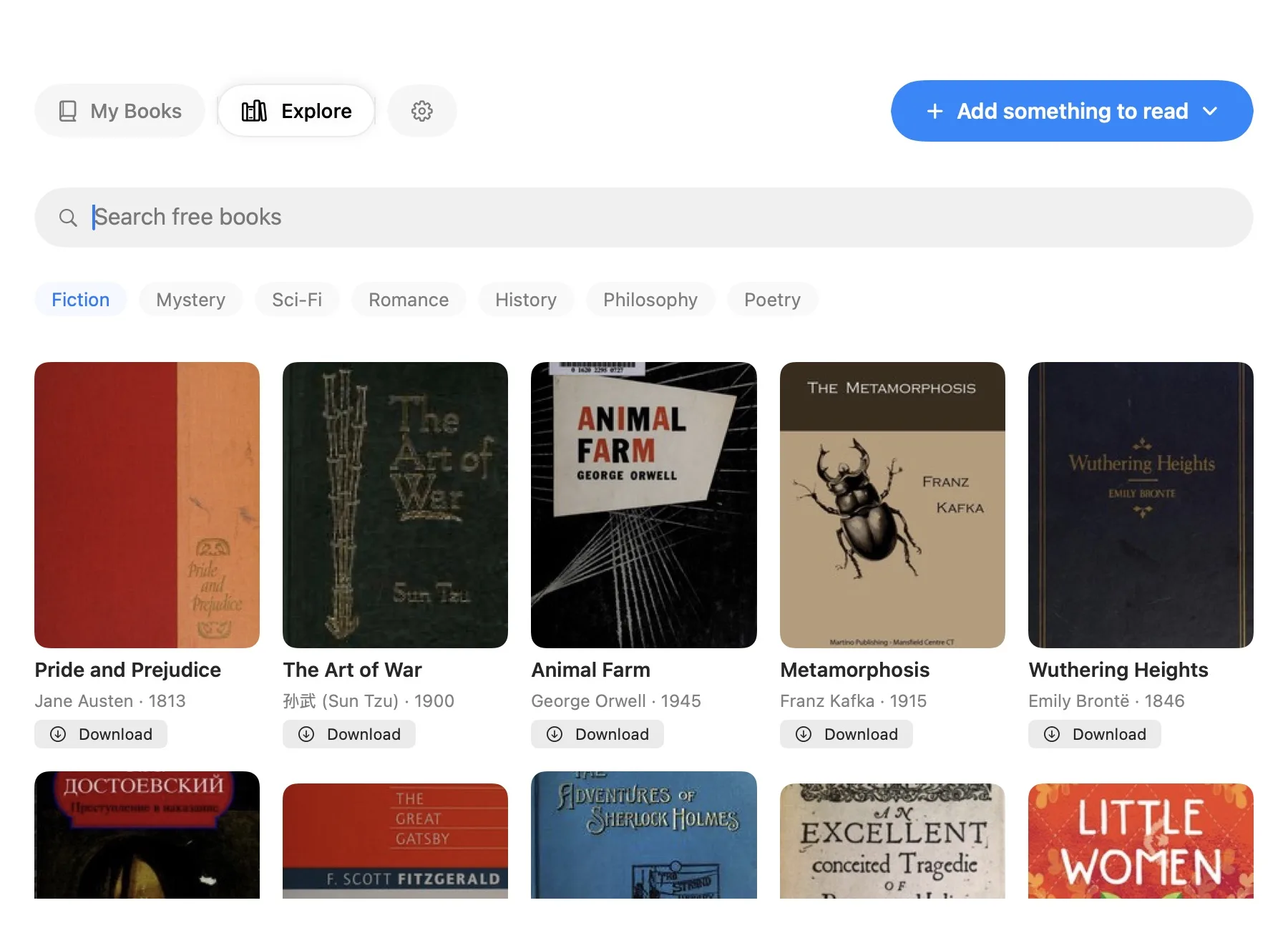
Explore: a search bar, category tags and a row of book covers, each with a Download button.

Find the next one

Search free books or browse by category, then add one to My Books without leaving the app.

The rules

Strict, not a prison.

Booksie blocks clicks to other apps while the session is open. It does not pretend to be unbreakable, and it will tell you so.

One postpone a day.
Pick a new time later the same day. After that, you can switch books or finish.
Miss a day, lose the streak.
Sleep through it or quit the app, and the streak resets. Booksie asks you to read today to restart.
You can still Force Quit.
Neither macOS nor Windows lets an app stop you β€” Force Quit on Mac, Task Manager on Windows. The session stays incomplete, the streak breaks, and it fires again next launch.
Stays on your computer.
No account, no password, no server for your library. Your books and progress live on your machine.

Start with today's chapter.

Booksie is a native app for Mac and Windows. Linux is coming soon.

  • Windows
  • Linux Coming soon

Download Booksie

Choose the version that matches your computer.

Mac

Not sure? Open the Apple menu and choose About This Mac to see your chip and macOS version.

Windows New

Not sure? On Windows, open Settings β†’ System β†’ About and check β€œSystem type”. Most PCs are 64-bit.